
Assistance you can place anywhere

With QR Assist, make reaching your frontline for support as easy as scanning a QR code.

Try for free Talk to sales
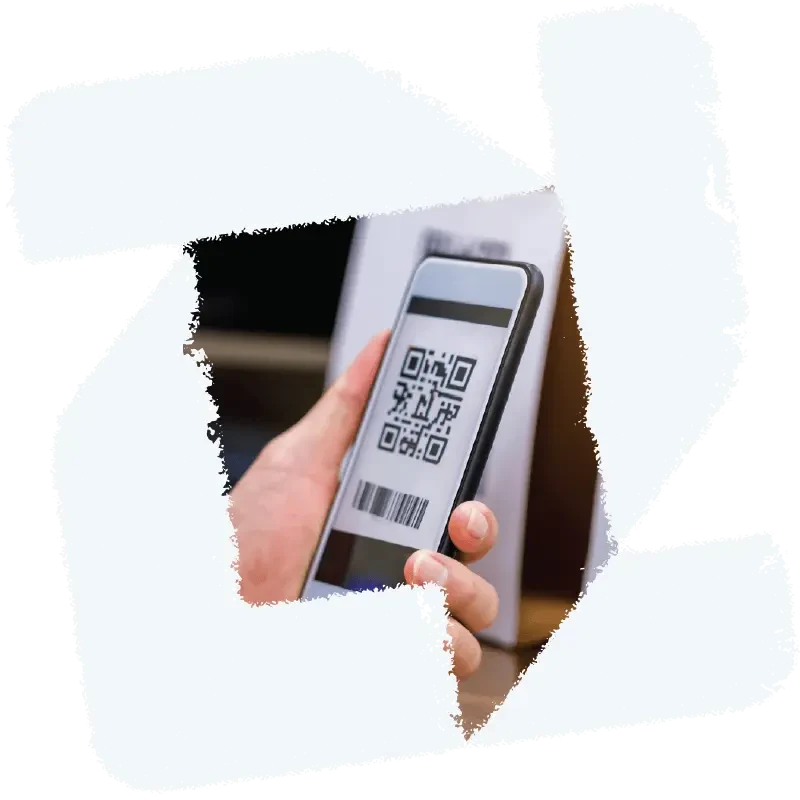
Illustration of the Zello app icon surrounding a photo of QR Assist

Faster responses

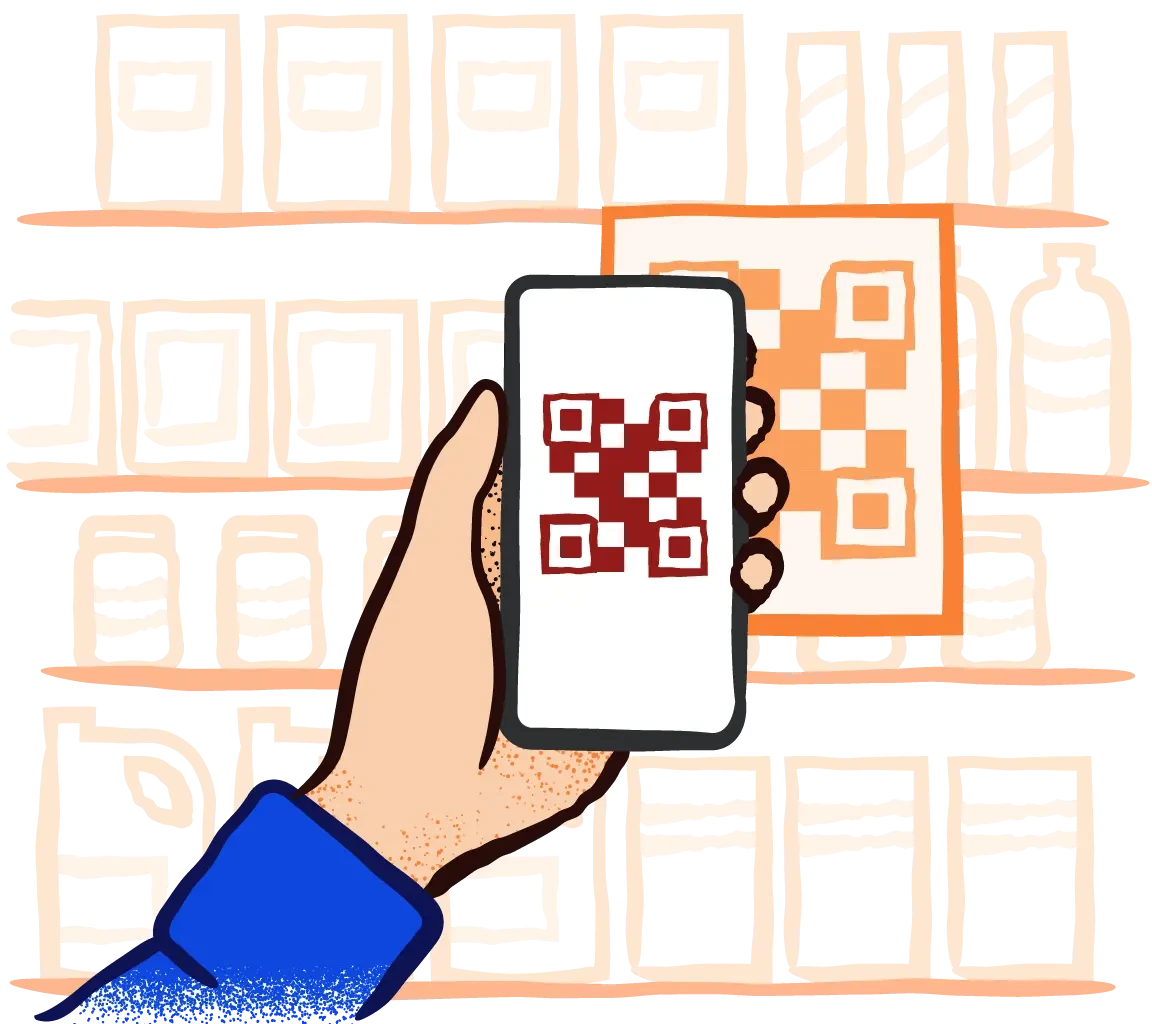
Speed up response times by giving people a quick QR scan that connects them to your team the moment they need help.

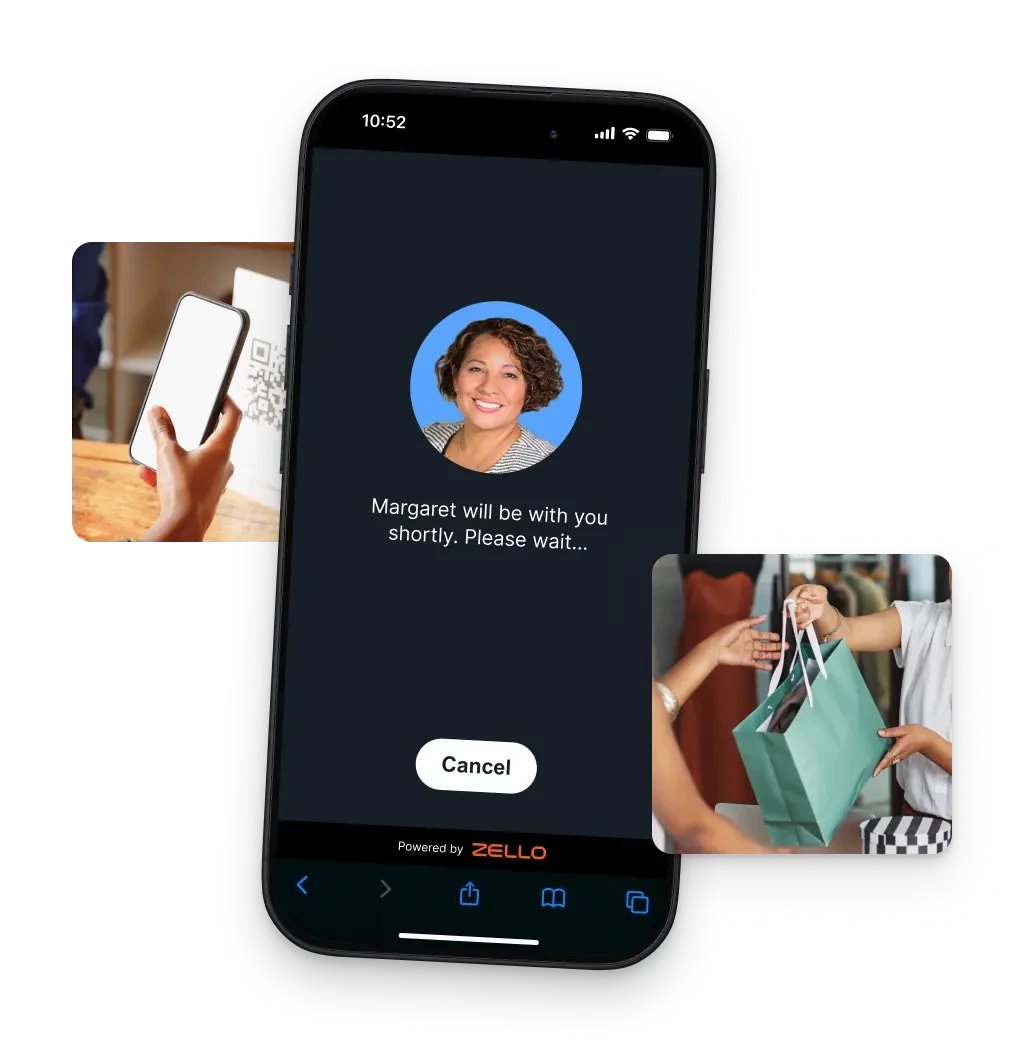
Illustration of the QR Assist UI on a mobile device surrounded by two photos of people using the feature

Help without the hardware

Handle location-specific challenges fast by placing a QR code right where it’s needed, without the cost or upkeep of kiosk hardware.

How it works

  1. Create

    Admins create a QR code in the management console and link it to the channel handling requests.

  2. Post

    The QR code is printed off and posted at a key location where people may need assistance.

  3. Connect

    Scanning the code sends a request with pre-recorded audio alert to the channel, which a team member can acceept.

QR Assist in action

Photo of a retail store worker handing a bag to a customer
Retail

Strengthen coverage across your store

At the rear checkout in a home goods store, a customer reaches the counter and finds no staff nearby. They scan the posted QR code, and an associate accepts the request and comes over to complete the purchase.


Photo of an airline employee pushing a wheelchair through the terminal
Aviation

Place support where passengers need it

A passenger arrives at the terminal needing wheelchair assistance but can’t find an attendant. They scan the QR code posted nearby, alerting wheelchair services. An agent accepts the request and arrives with a chair moments later.

Photo of two manufacturing workers using a tablet device
Manufacturing

Maintain momentum on the line

A belt starts slipping on a bottling line, and the operator needs help fast. They use the QR code at the station to alert maintenance. A tech accepts the call, and the issue gets fixed before production is forced to stop.

Photo of a hospitality worker holding fresh linens
Hospitality

Support your guests with a quick scan

When a guest can’t find towels at the pool, they scan the QR code at the cabana. The request routes to amenities, and a staff member responds and restocks the towels.

Photo of a delivery driver holding a box and a tablet device
Transportation

Simplify check-ins for every delivery

Pulling up at the loading bay, the driver uses the posted QR code to check in. The request appears in the receiving channel, where a crew member accepts it and comes out to manage the unload.

Photo of a construction worker laying out rebar
Construction

Support your team across the jobsite

At the storage container, the crew goes to grab the tools they need for rebar work and finds it locked with no supervisor nearby. They scan the QR code on the door to request access, and the foreman unlocks it so the rebar install keeps moving.

Make support as simple as a QR scan

Don’t let hardware deployments get in the way of your team and the people who need them

Try for free Get a demo